Road Rash broke four times in a row, and each one hid the next
I have the disc. That turned out to be the easy part.
Point Clarity at a backup of the Road Rash disc and it installs. Everything is on there, 467MB of it, and the game reads its own files from its own folder, so a copy off the disc should be all it takes.
It was not. I pressed play and nothing happened, which is the worst kind of nothing: no window, no error, no log. What the game wanted was a file called AWEMAN32.DLL, which does not sit beside the game. It is in the setup folder, and on Windows the installer copies it into place. Copy the disc yourself and the game fails before a window exists.
Put that back and it got further, then gave up with a box saying Fatal Error. It had asked the display to become 640x480, which my screen refused, and the game treats that as the end of the world. Fair enough, it is 1996.
Past that, a new Fatal Error: Could not find any CD-ROM drive. Of course not. The disc is a folder now. And past that, one more: You need to install RoadRash before you can run it. Please run the Setup program. The game looks for a note the installer leaves in the registry, one line saying where it put itself, and without it nothing else matters.
All four are now dealt with when you press play. The file is put where it belongs, the game gets a 640x480 screen of its own, a drive is pointed at the disc and told it is a CD, and the note is written. No wizard, no Windows 95 warning to click past, nothing to copy by hand.
The disc also carries a small setup program, and Clarity deliberately ignores it. It is an installer format nothing here can open, and unpacked it becomes a file called RoadRash.exe that would cheerfully get installed as though it were the game.
Two of those fixes only turned up after wiping everything and installing like a machine that had never seen the game. On this one, where I had fixed things by hand all evening, it looked like it worked. It did not.
The lighting, the palette and the soundtrack, on an engine that can actually do them.
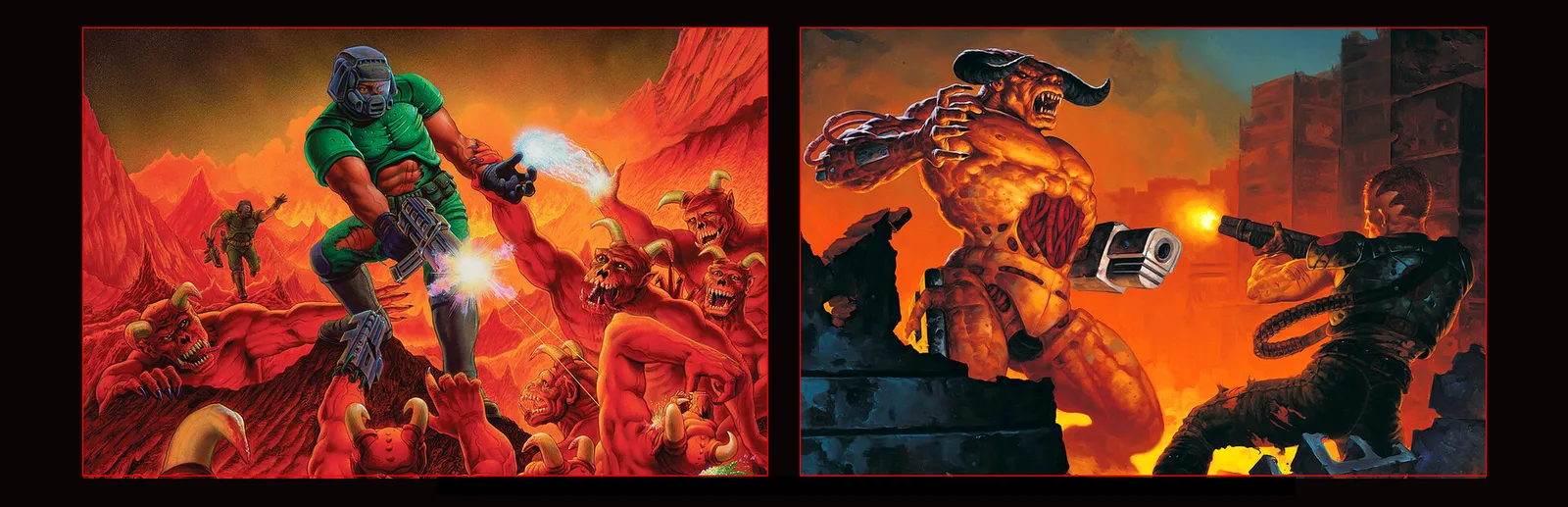
The PlayStation version of Doom was its own thing. Coloured lighting the PC never had, a darker palette, and Aubrey Hodges’ soundtrack, which is less music than weather. DOOM CE rebuilds that and PSX Final Doom on modern GZDoom, and it is now in the catalogue.
It wants doom2.wad, which Clarity already links from whichever Doom you own, and UZDoom 5.0.0 or newer. That last part matters: the 4.x line will not run it, and UZDoom renamed its download when it went to 5, so the catalogue now points at the right file.
Doom 64 CE is not included, and that is a decision rather than an oversight. It is published in the same place under nearly the same name, but it needs the Doom 64 WAD from Steam, which cannot be used as it is. The mod ships a script that patches it first. Clarity links game data you already own; it cannot link a file that has to be generated by running a Windows script, so a recipe for it would install perfectly and leave you with something that never starts.
Clarity now runs on a television older than most of my games
Couch Mode is built around cover art. A tube TV has nowhere to put any.
I wanted my library on a CRT, so I plugged the machine into one and started Couch Mode. It was not broken. It was just useless on a screen like that, which is worse, because there is nothing to go and fix.
Couch Mode is built around artwork, and a tube cannot show artwork. Over a composite cable a cover ends up about the width of your thumb and the colour smears into a haze. Thin lines flicker, because half the picture is drawn on one pass and half on the next, so a one pixel rule is only ever there for half the time. And every set crops the edges by a different amount, so anything near a corner is gone on somebody’s set.
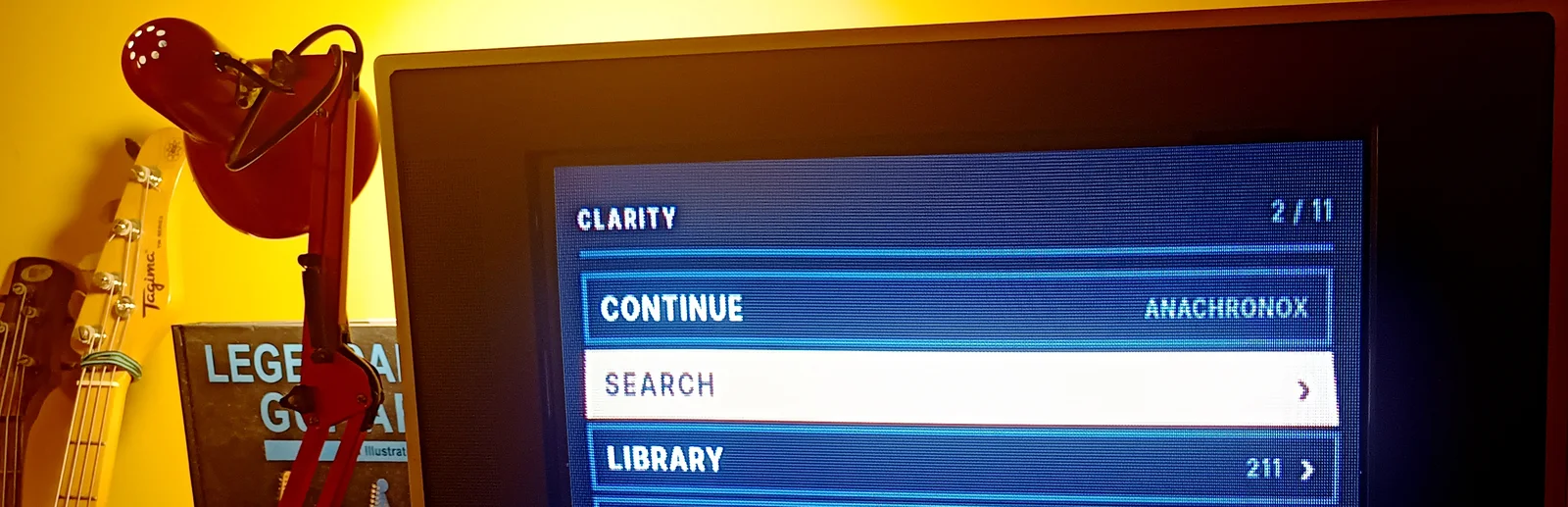
So there is another face now. It is not Couch at a smaller size, it is a menu. A row of text is the interface, and art is only there to tell two similar rows apart. Up and down move, one button goes in, one goes back. That is the whole thing. It is all a D-pad can do anyway, and it is how TV menus have always worked. Arrow keys and Enter work too.
Everything happens there. Install and uninstall your GOG and Epic games, fetch artwork and details, search, filter by store, make playlists, mark favourites, switch a game to the compatibility mode that fixes it, and play. You never get up and walk to the desk, which was the point.
It follows your Omarchy theme while it is open, so changing the theme restyles it right away.
The Witcher did nothing at all when I pressed play
No window, no error, not even a log. The game had quietly decided it was not installed.
This is the most annoying way for a game to fail. A crash leaves you something to read. The Witcher left nothing. You press play and nothing happens.
When GOG’s own installer runs on Windows it does not just copy files, it writes down where it put them. On Linux the download finishes and that is the end of it, so the note is never written.
Both GOG’s launcher and the game itself look for that note before they do anything else, and neither has a backup plan. They do not find it, they give up, and they exit reporting success. That last part is why nothing had an error to show you.
Clarity writes the note itself now, when you press play, and rewrites it if you ever move the game. It sets the language at the same time, and you want that: without it the game starts with every menu blank.
Brutal Doom on IDKFA, chosen at the moment you press play, built from a game already on your disk.
Launch a Doom mod in Clarity and it already asks which Doom you want it to run on. Now it asks which music, too.
Nothing is downloaded. If you own the DOOM + DOOM II re-release, the alternate soundtracks are already sitting inside it: Andrew Hulshult’s IDKFA, and the original Bobby Prince score re-recorded. Clarity builds the music file from the copy you own, and the audio that comes out is byte for byte the audio that went in. If you do not own the re-release, the question is never asked, because there is nothing to build it from.
I expected this to be an afternoon of renaming things. It was not, and the reason is properly stupid: the name of a music track does not tell you which song is in it, and which song it is changes from one game to the next.
Doom reuses its own music, so one song can be asked for under two names. Replace only the name you recognise and half the game drops back to MIDI while the other half plays the new score. Worse, TNT uses the very same names for entirely different music, so going by name alone would confidently put the wrong song on nearly every map of it.
So Clarity does not go by name. It fingerprints the music in your own copies and matches on what the songs actually are. Doom and Doom II come out right, and TNT is offered nothing at all. That is the right answer. Better than something that looks right and is not.
No window, no error. The thing meant to fix the game was what broke it.
I installed Arcanum, pressed play, and nothing happened. No window, no error, just the library sitting there as if I had not clicked. I fixed this game years ago on another system, so it felt personal.
GOG includes a small helper file with Arcanum that keeps it running on modern Windows. Clarity normally lets a game use the helper it came with, and that is exactly what rescues Quake and Resident Evil 2. Arcanum turns out to be the opposite case: on Linux that helper cannot work, and it takes the game down with it before anything appears on screen.
Clarity now leaves it out for this one game, and Arcanum starts. Nothing is deleted, nothing to set up, and the helper stays on disk for anyone who wants it back on Windows.
One more thing came out of it. While I was in there I found the per-game fixes had quietly stopped being applied at all, so the whole list on the fixes page was doing nothing. That is fixed too, which means the rest of them are working again.
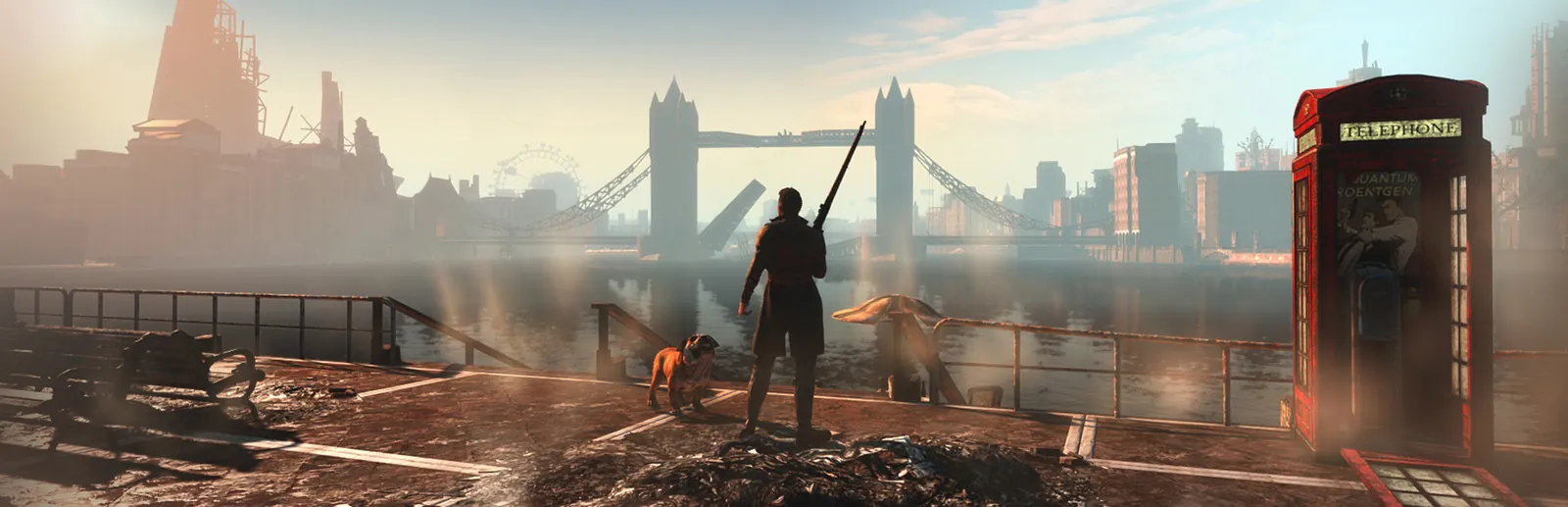
Fallout: London installed perfectly, then refused to start
Music over a black screen, a warning about loose files, and a browser tab nobody asked for.
The GOG one-click edition downloads beautifully. Every file arrives, nothing errors, the library shows it as installed. Then you press play and the game opens for about a second, the music starts over a black screen, a little warning appears about loose files, and your browser opens a mod page you did not ask for.
It is the second time this exact shape of fault has turned up, and it has the same cause as the first. A GOG installer does not stop when the files land. It performs finishing steps afterwards, copying configuration and a plugin list into places the game will look. On Windows those steps run. On Linux the download finishes and that is the end of it, so the game is complete and misconfigured at the same time, which is the most annoying way for something to be broken.
Two things were missing. London’s plugin list never reached the game, so none of London ever loaded, which is the black screen. And loose file loading stayed switched off, which is what the warning was about before the game gave up.
The second one cost the evening. The setting that turns loose files on is written by GOG into one file, and Fallout 4 only honours it from a different one. So it was there, it looked right, and it did nothing. Putting the same lines where the engine actually reads them is what let the game start, and it survives Fallout 4 rewriting its own settings on every launch, which it does.
Both steps now run when you press play, repairing the install you already have. No reinstall, nothing to configure, and it only touches files that are missing, so if you have set any of this up by hand it is left exactly as you left it.