What it does only here
Built for, tested on and tailored to Omarchy
Your whole library, one shortcut away
meta+ctrl+G. Type three letters. Enter. It plays. No window first, nothing to click.
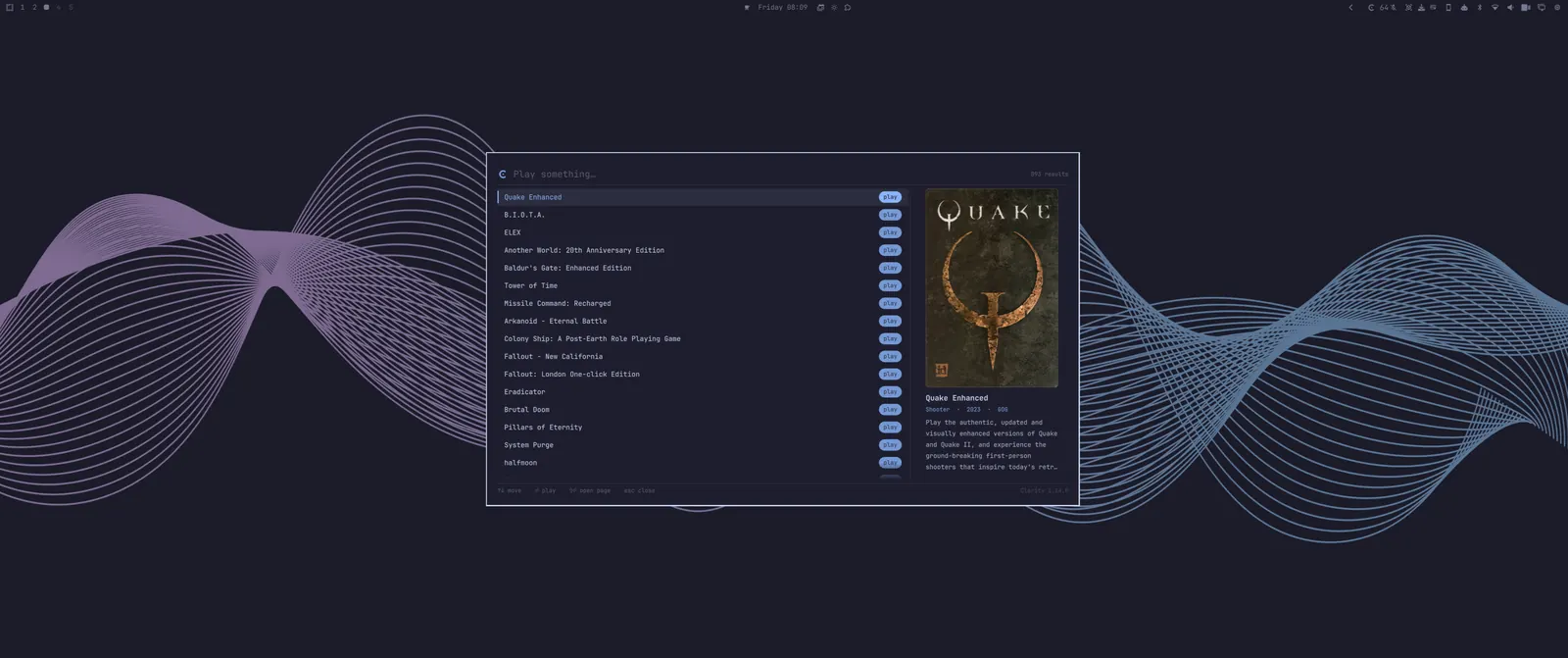
It searches games and the app's own actions in one list, so “quake” and “storage” are the same gesture. Games you own but haven't installed show up too, and Enter opens the page with the Install button on it.
The overlay never launches anything itself, it asks the app. So a launch keeps the store picker, the “which engine?” questions and the install check, exactly as if you'd pressed Play.
A widget that knows what you're playing
Installed count when nothing's running, the game's name when something is. Click for a menu to the library, the big screen face, storage and the Control Panel.
- Nothing to configure. The app writes down where it lives, the widget reads it.
- If Clarity isn't installed yet, it asks you to do it, 1-click.
It wears the theme you already chose
Clarity uses the theme Omarchy is using right now. Apply a new one and the app wears it too. The same colours, not an approximation.
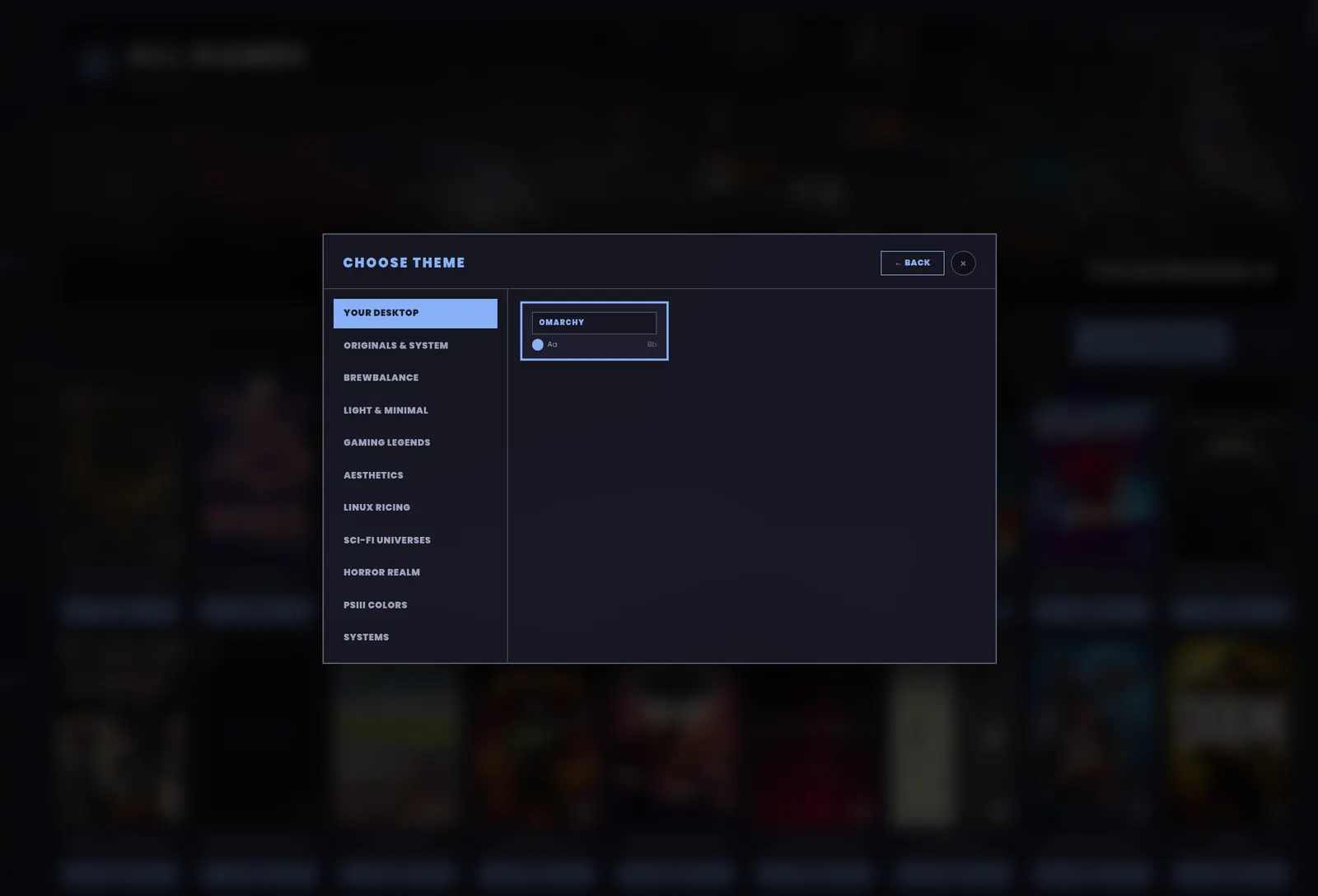
The 93 themes that ship with the app are still there. Both faces draw from the same set, so a look follows you to the big screen.
Fullscreen, on the right screen
Under a tiler a game normally gets squeezed into a free slot and resized, a second before it goes fullscreen anyway. Here games open fullscreen from the first frame, on the monitor you picked, at the resolution you expect.
- Floating and tiled are still there, for a game whose launcher window needs to stay small.
- Changes take effect when you ask, not at your next login.
- The screen you choose is remembered, and games arrive there every time.
Getting it
The bar widget and the launcher are a companion plugin, about seventy kilobytes, so it needs Clarity installed. Without it, it says so and offers to fetch it in a terminal you can watch.
Built and in daily testing, not on Omarchy's plugin marketplace yet. It goes out with 2.0.