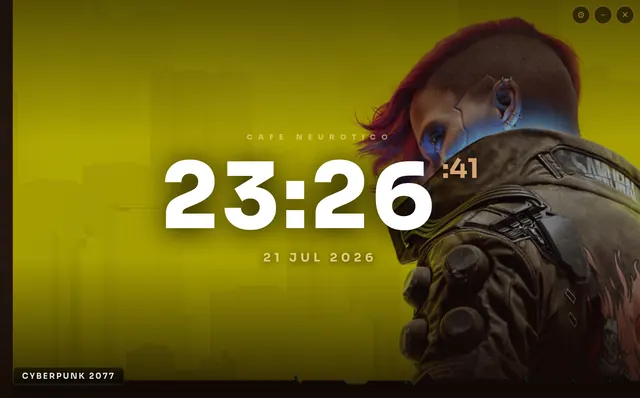
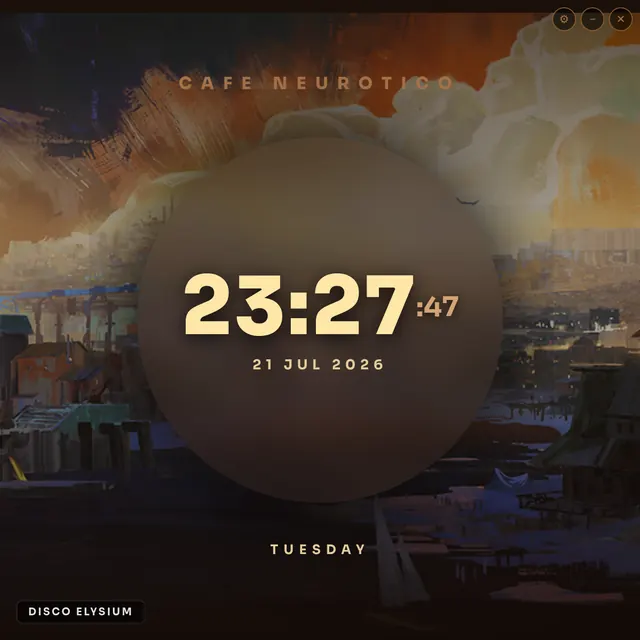
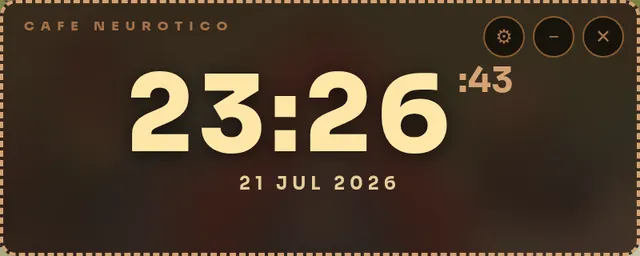
Three faces
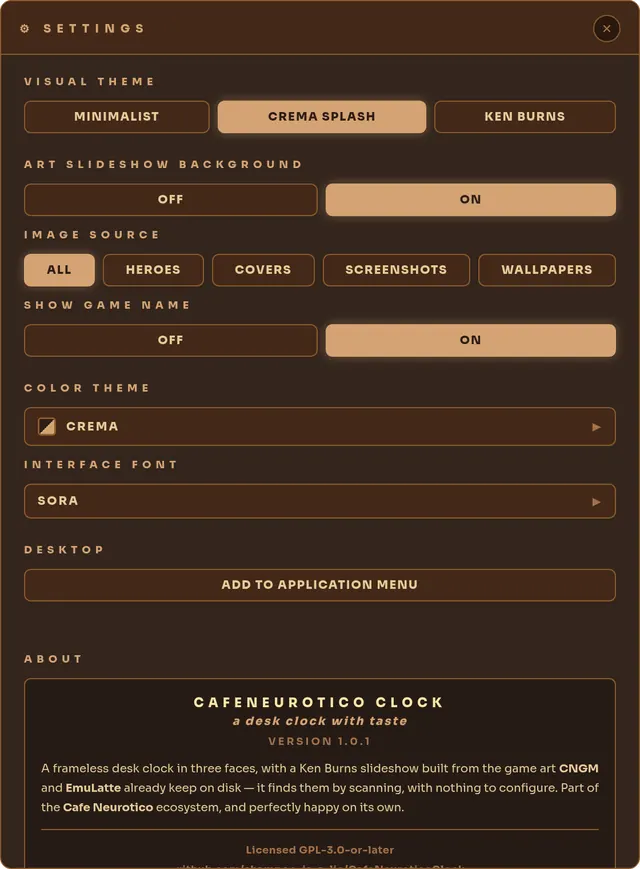
Minimalist, a small widget tinted by your palette. Couch Mode Splash, a frosted circle over blurred art. Ken Burns, a slow pan across the art. All resizable.
the time, over your library
A clock that wears your game library. It reads art already on disk, runs it as a slow slideshow behind the time, and gets out of the way.
Minimalist, a small widget tinted by your palette. Couch Mode Splash, a frosted circle over blurred art. Ken Burns, a slow pan across the art. All resizable.
It scans the folders Clarity and EmuLatte already fill: heroes, covers, screenshots, or your own wallpapers. Nothing to import. No library? It just shows the time.
The name under the art is a link. Click it and Clarity or EmuLatte opens on that game's page. If the app is running, it goes to the open window.
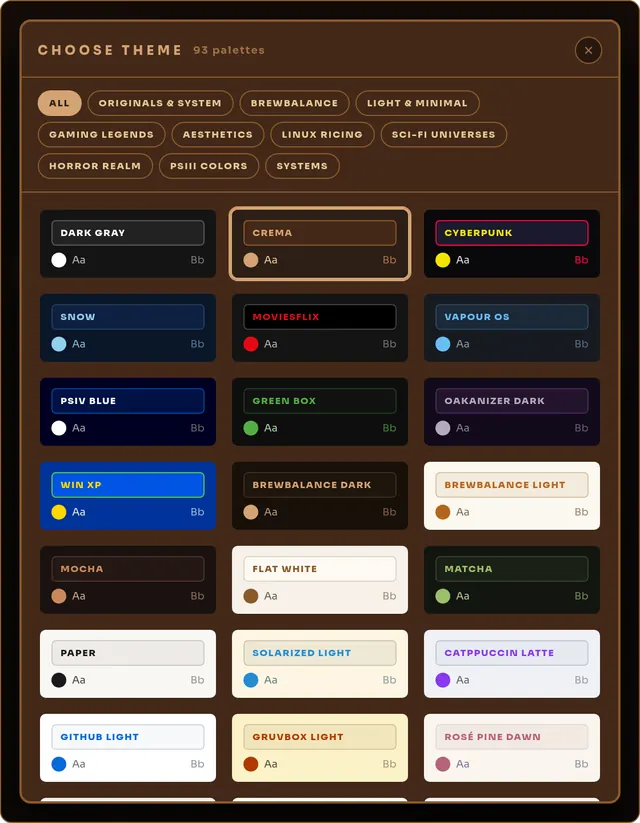
Full parity with Clarity: ten families, from ricing classics to twenty retro operating systems with their own era typefaces. Every palette previewed in its own colours, applied live.
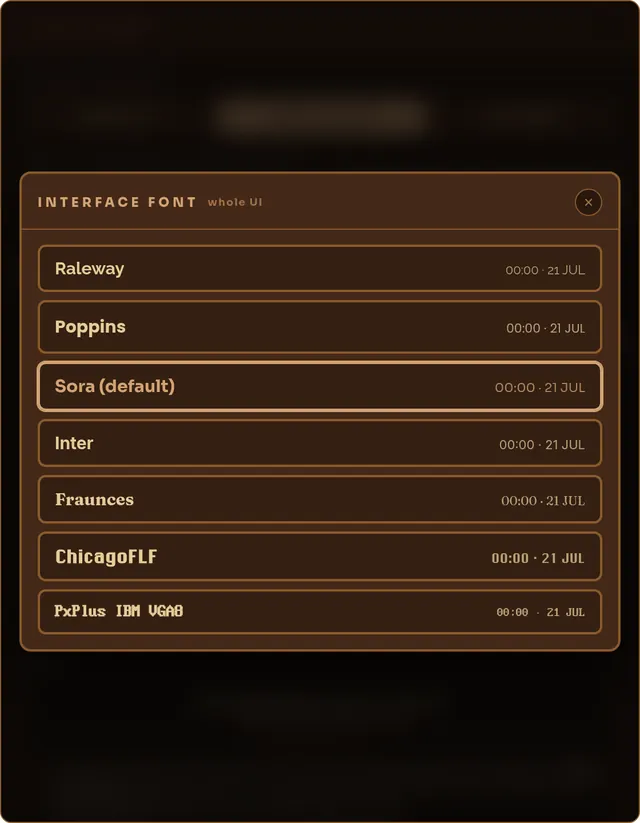
Seven interface faces, each previewed in itself. All bundled, nothing fetched at launch.
Launch it again and again, each one independent. A minimal one in a corner, Ken Burns on the second monitor, a splash on the third.
A borderless window that floats above the rest. Drag it, size it, add it to your application menu with one button.
Reads your libraries read-only, writes one small settings file. No account, no telemetry, no network.
Click any shot to open it full size.
Complete on its own, happiest next to the libraries it draws from.
Where most of the art comes from. Steam, GOG, Epic, Flatpak, itch.io and PICO-8 in one binary. Keep it beside the clock and the art appears on its own.
The emulation side: a ROM library across 56 systems, with a gamepad-first Couch Mode. Its art feeds the same slideshow, and a click opens EmuLatte on that game.
If it earned a spot on your desk, consider chipping in.
If you do, let me know so I can thank you personally! :)
Built by J.R.A. · Contact: joserobertoazevedo@hey.com
Clarity · EmuLatte · support page · source on GitHub · GPL-3.0-or-later
< back to clarity