click anywhere to skip ▸
  1. emulatte@linux:~$ ./pour
  2. [ ok ] mounting ROM libraries......... 56 systems
  3. [ ok ] scanning installed cores....... found
  4. [ ok ] waking RetroArch............... own config
  5. [ ok ] warming the couch.............. ready
  6. ▓▓ EMULATTE 1.0 ▓▓
  7. > I use RetroArch BTW.
clarity
on the emulation side

EmuLatte.

a ROM library, properly filed

version 1.0 · single AppImage · GPL-3.0
Library56 systems, filed the way you'd file them
Scrapersfive sources, one picker, art that stays put
Couch Modethe fullscreen, gamepad-first face for the TV
“I use RetroArch BTW”
01_what_it_does

what it does

A ROM library manager that does the boring parts properly, and a second face for when you just want to play.

56 systems, with opinions

Every preset arrives with a RetroArch core chosen and the platform IDs the scrapers need. Point it at a folder. Your ROMs are never moved, copied or renamed.

It finds your emulators for you

It sweeps the machine for what's installed, RetroArch native, Flatpak, standalone cores, and maps them to systems. No launch commands to type.

Five scraping sources, one picker

ScreenScraper, SteamGridDB, TheGamesDB, IGDB and MobyGames. Metadata from one, artwork from another. It all lands on your disk and stays.

Its own RetroArch, untouched by yours

It drives a config of its own. Your retroarch.cfg is never read or written. Per-system and per-game overrides for the odd one out.

Achievements, trailers, and the actual manual

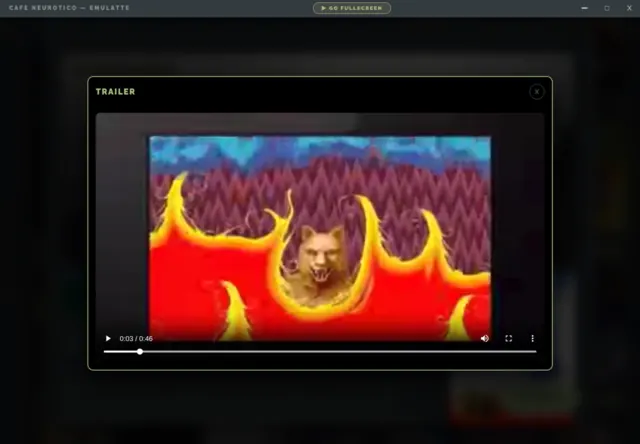
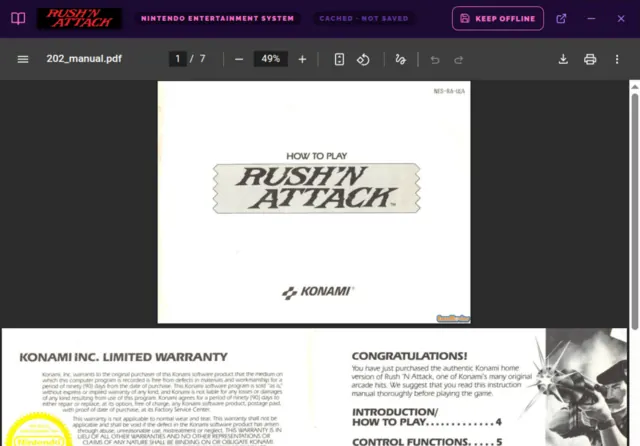
RetroAchievements progress per game. Trailers via a bundled yt-dlp. And the scanned booklet from the box, straight from ScreenScraper.

Couch Mode

Fullscreen, gamepad-first, play-only, three layouts including a real 640×480 CRT mode. Save states, a screenshot screensaver, ambient sound, and a combo that brings you back mid-game.

92 themes, 10 families

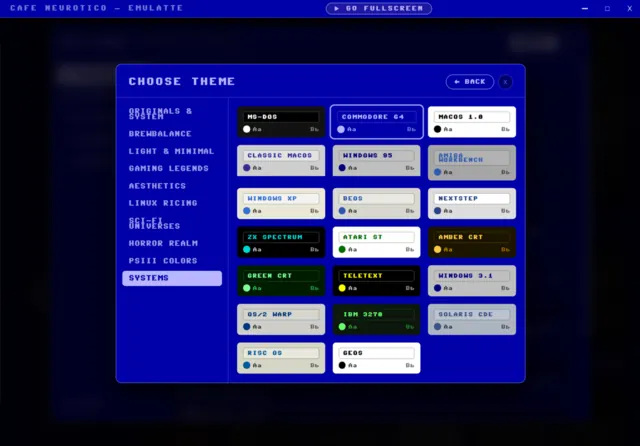
Both faces carry all of them, including twenty retro operating systems with their own era typefaces. MS-DOS, Workbench, NeXTSTEP, green phosphor. Fonts bundled.

Local-only. Yours.

One folder next to the AppImage holds the lot. No account, no telemetry, no cloud. Copy it and your library comes too.

02_a_look_inside

a look inside

Click any shot to open it full size.
▸ The desktop face
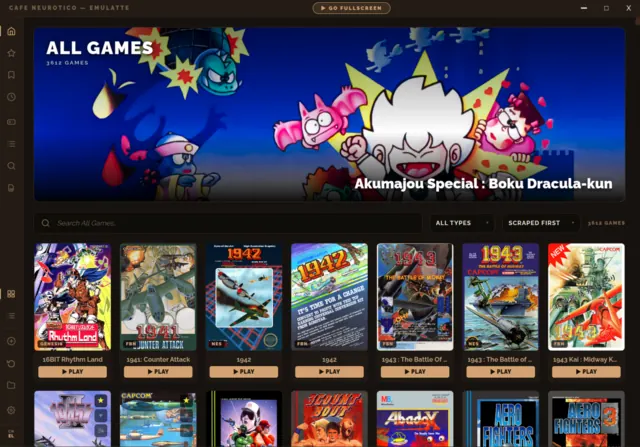
The library view: a wide hero banner above a grid of game covers, with a search bar and system rail
the whole collection, one shelf
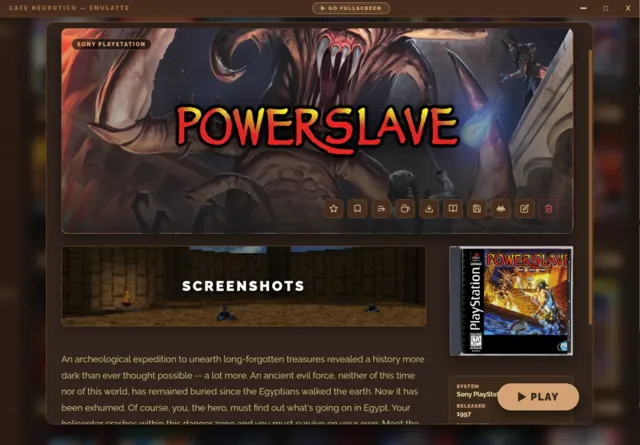
The game page for PowerSlave on PlayStation: hero art with the game's logo, a row of action buttons, screenshots, and the boxart in a jewel case beside a Play button
the game page, art and all
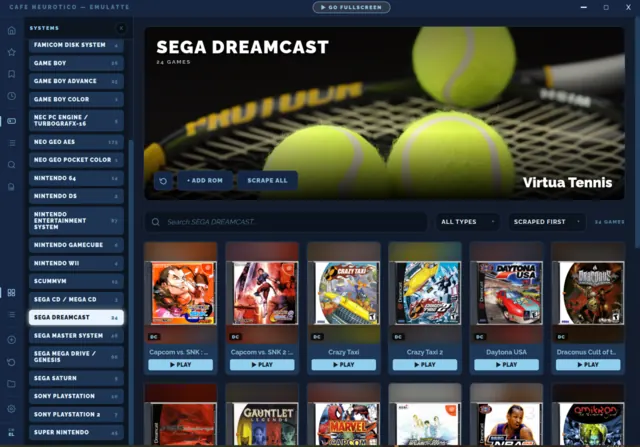
The Sega Dreamcast system filtered in the sidebar, with its own hero art and cover grid below
one system at a time, with its own hero
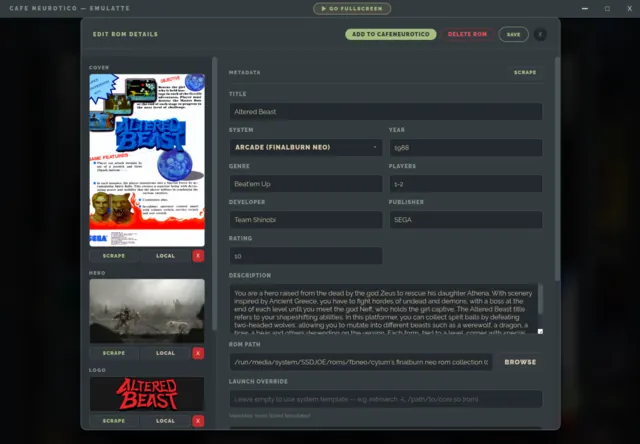
The edit screen for Altered Beast, showing editable metadata fields beside the cover, hero and logo art slots
for when the scraper guesses wrong
▸ RetroArch & save states
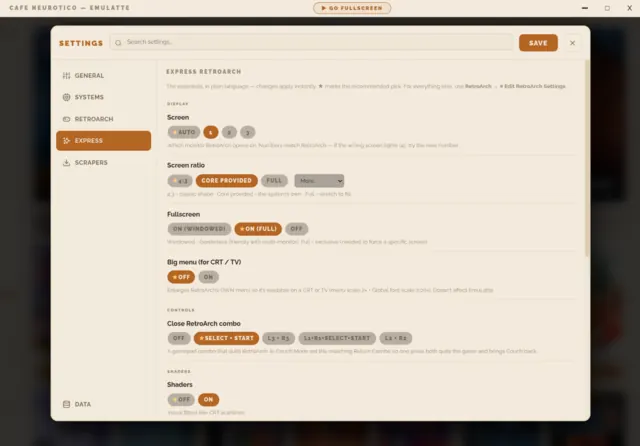
The Express RetroArch settings pane in a light theme, with plain-language options for screen, ratio and shaders
RetroArch, explained in plain language
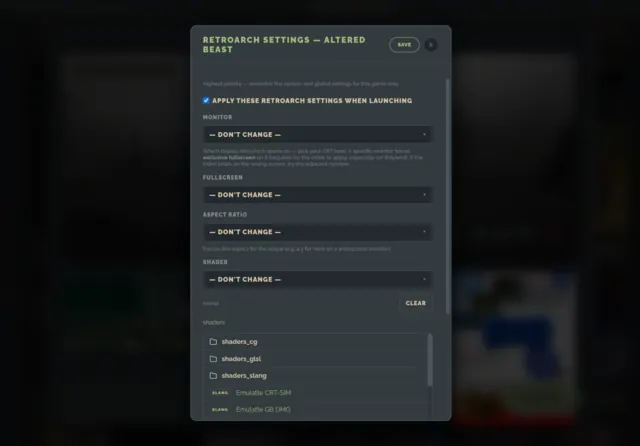
Per-game RetroArch settings for Altered Beast, overriding monitor, fullscreen, aspect ratio and shader
for the one game that needs something different
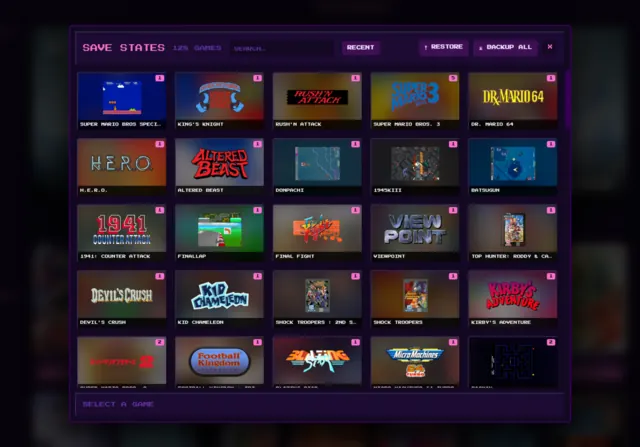
The save-state manager: a grid of save thumbnails across 125 games, styled like a console memory card
every save state you own, memory-card style
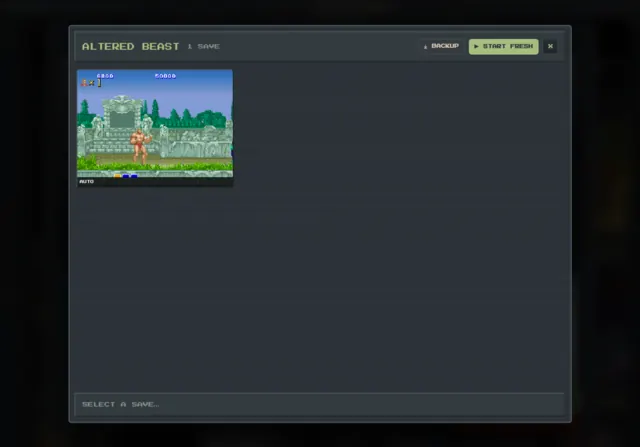
The save states for Altered Beast, showing one labelled save with its in-game screenshot
drop straight back into a save
▸ Playlists, themes & extras
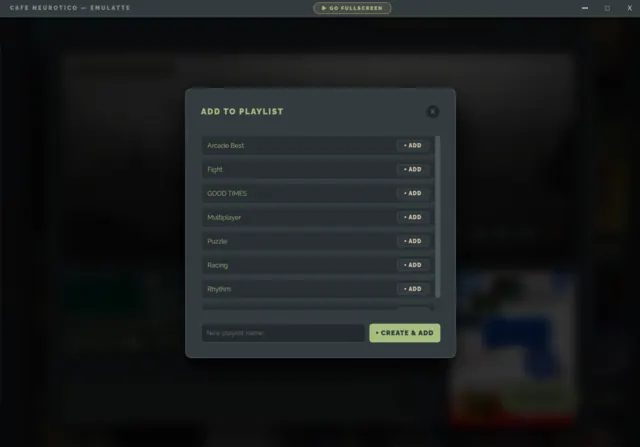
The Add to Playlist dialog listing playlists such as Arcade Best, Fight, Multiplayer and Racing
playlists that cut across systems
The theme picker open on the Systems family, each swatch previewing a retro operating system in its own era typeface
twenty retro systems, each in its own typeface
A game trailer playing in the built-in video player
trailers downloaded, not streamed
The scanned Rush'n Attack instruction booklet for the NES, open in the game manual viewer
the booklet that came in the box
▸ Couch Mode, the TV face
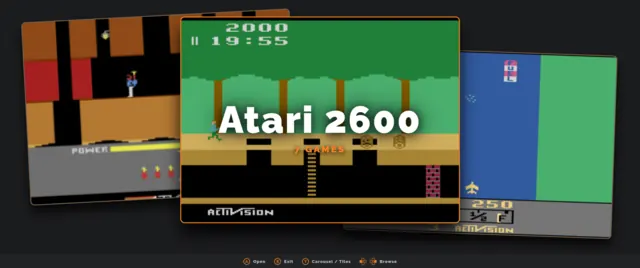
Couch Mode's start carousel, showing systems as large cards with Atari 2600 selected
pick a system without getting up
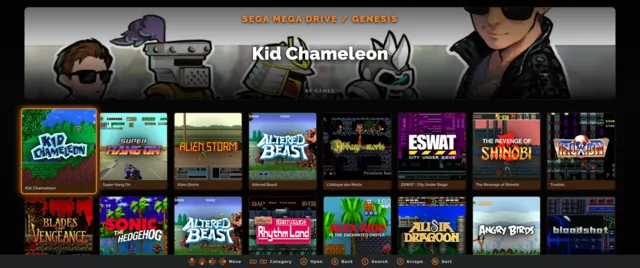
Couch Mode's cover wall for Sega Mega Drive, with a hero banner above the grid
the cover wall, on the television
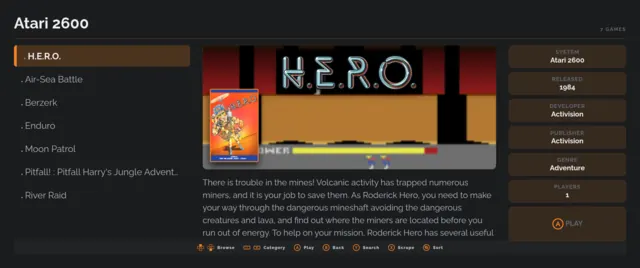
Couch Mode browsing the Atari 2600 as a list, with artwork and metadata for H.E.R.O. beside it
list and details, gamepad-first
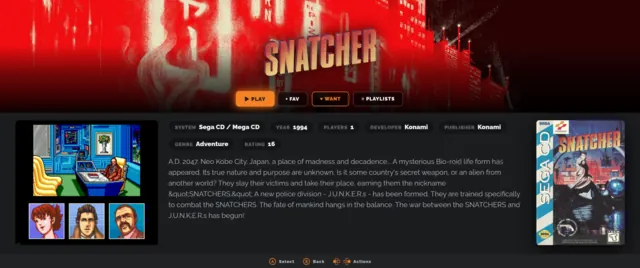
The Couch Mode game page for Snatcher on Sega CD, with hero art, metadata and screenshots
the game page, built for a big screen
03_also_on_the_menu

also on the menu

Separate apps, same roof. EmuLatte is complete on its own.

OPTIONAL

Clarity

“from chaos comes clarity”

The rest of the library: Steam, GOG, Epic, Flatpak, itch.io and PICO-8, in one binary with two faces and Installer underneath. Your ROMs stay here. You pick what crosses over by exporting it.

Get Clarity ▸

OPTIONAL

Clarity Clock

“a desk clock with taste”

A standalone clock that runs a slideshow of your library's artwork, with Ken Burns pans and configurable faces. Sits happily on a second screen.

Get the Clock ▸

04_spread_the_good_vibes

spread the good vibes

If EmuLatte sorted out your ROM collection, consider chipping in.

If you do, let me know so I can thank you personally! :)

💙 Ko-fi (Intl) ★ GitHub

Built by J.R.A. · Contact: joserobertoazevedo@hey.com

Clarity · support page · source on GitHub · GPL-3.0-or-later

< back to clarity